
Truly Private Tunnels
Secure Tunneling That Stays Behind Your Firewall
Unlike public tunneling solutions, PuppetPC never exposes your services to the internet. Available for all platforms and on Microsoft Store

Why IT Teams Choose PuppetPC
Effortless Security: Stay Behind Your Firewall While Staying Connected to the World.
Security First
Your server stays behind your firewall, completely hidden from the public internet
Cost Structure
All features are free, with no artificial limitations
User Experience
A simple GUI dashboard that anyone can use—no command line required.
Cross-Platform
You can work confidently across Windows, macOS, or Linux.
Easy to Get Started
PuppetPC gives you convenience without sacrificing the security your corporate environment demands.
Install
Install from the Microsoft Store or use a single-line installer for macOS and Linux.
Initiate a Tunnel
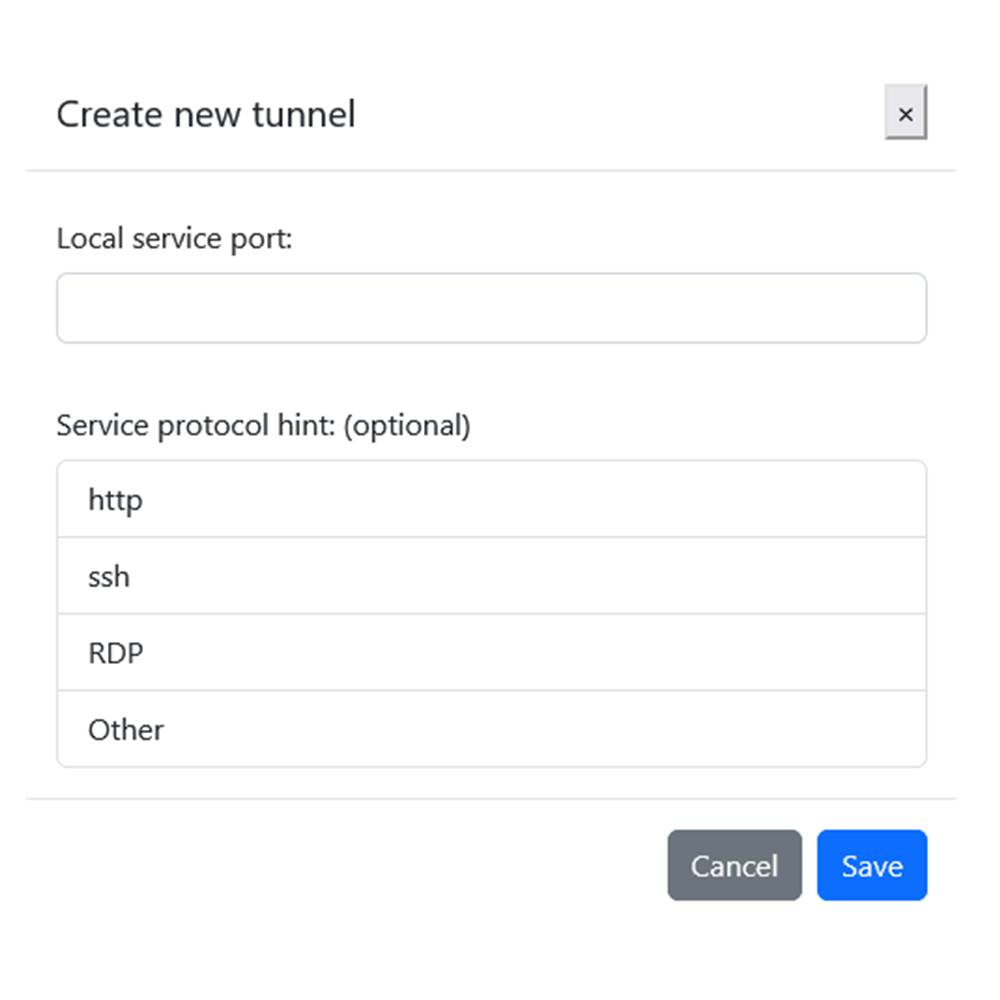
Use the UI to define a tunnel endpoint for RDP, SSH, SQL, or any other service.
Connect
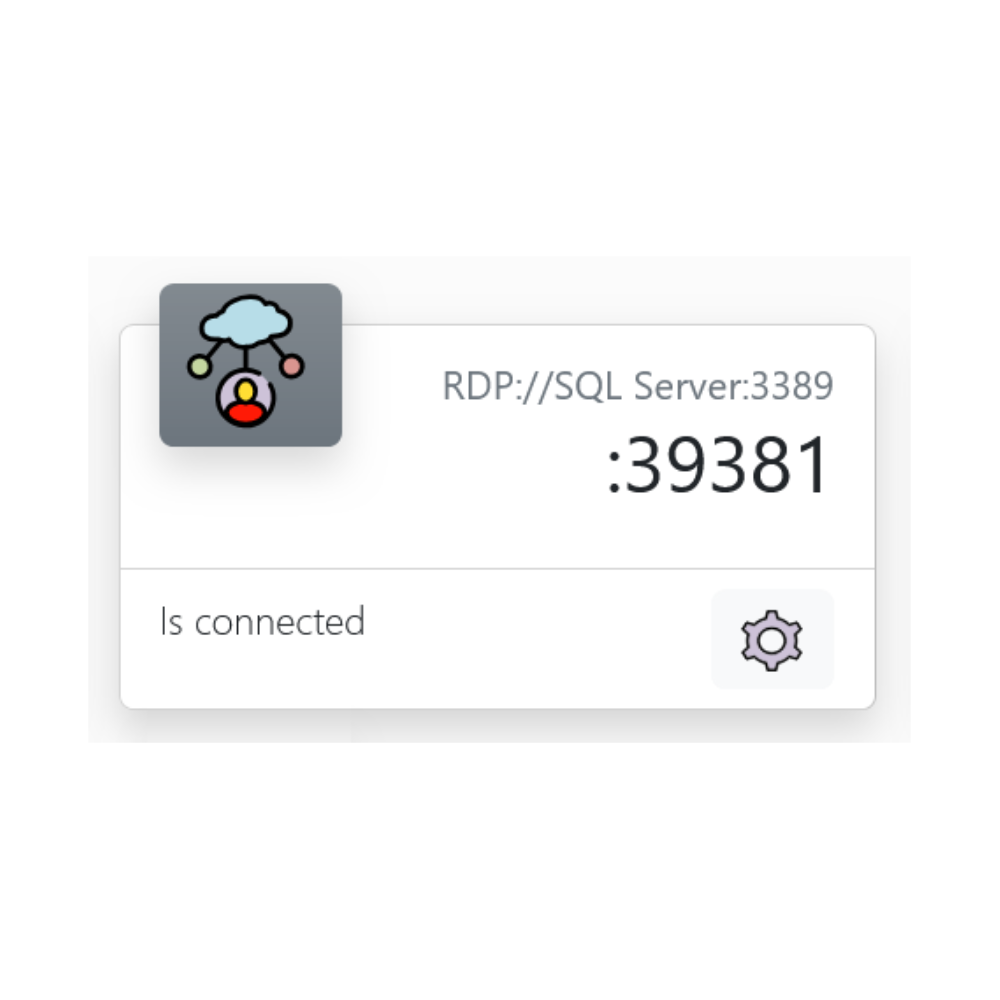
A private link represents each tunnel endpoint. Share this link with others to allow them to connect to the tunnel endpoint.
Perfect For
to corporate resources without compromising security policies
without opening firewall ports
between private networks
of multiple devices behind firewalls
without exposing internal systems
across multi-cloud or hybrid deployments, ensuring all your databases, services, and specialized workloads remain safeguarded behind your corporate firewall
FAQs
Frequently Asked Questions
How is PuppetPC different from other tunneling solutions?
Unlike conventional tunneling tools, PuppetPC never creates a public endpoint. Your services remain completely behind your firewall, with all connections being private, encrypted peer-to-peer tunnels.
Do I need technical knowledge to use PuppetPC?
No. PuppetPC features a simple graphical interface that anyone can use—no command line experience required.
Are there any feature limitations in the free version?
None. Unlike competitors who restrict features in free tiers, PuppetPC provides all features at no cost.
Is PuppetPC suitable for enterprise environments?
Absolutely. PuppetPC was designed with corporate security policies in mind, providing the controls and visibility IT departments require.
How does PuppetPC handle security?
PuppetPC creates encrypted tunnels without requiring you to open inbound ports or expose services to the public internet.
Experience Truly Private Tunnels Today
Why Users Switch to PuppetPC
For Developers
Simple tunneling without the command line complexity
For IT Managers
Complete visibility and control without compromising security
For Remote Workers
Seamless access to resources without complex VPN setups
For Support Teams
Easy access to customer systems without firewall exceptions
For Security Teams
Tunneling that finally meets security compliance requirements
Ready to Connect?
PuppetPC is a zero-configuration tool to connect to your remote devices, services, and servers.